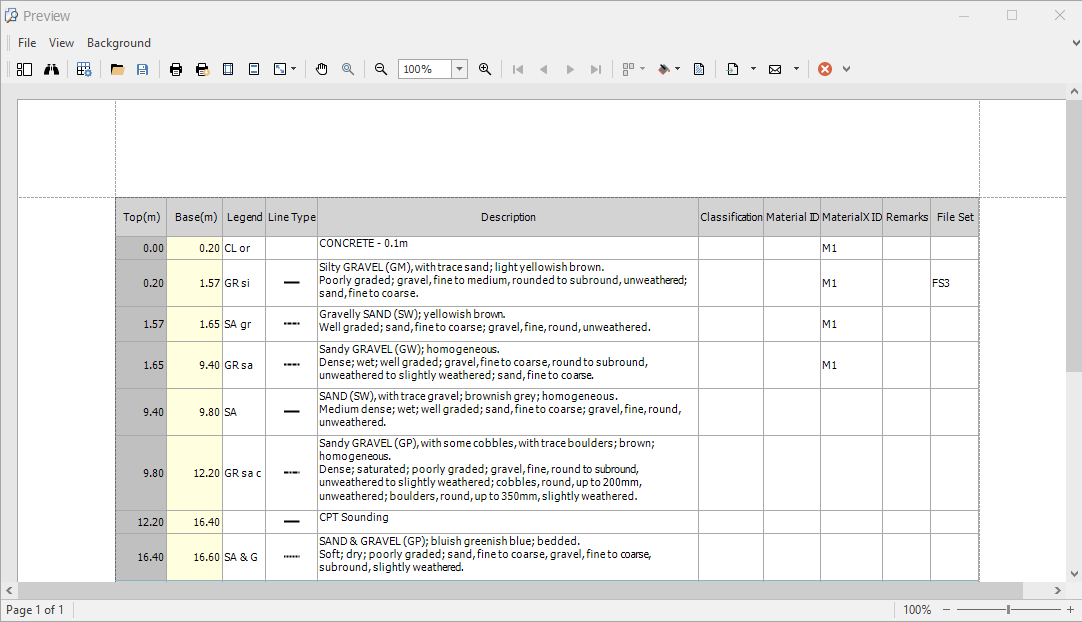
This section describes the capabilities provided by the Print Preview form:
File Management
•Save a Print Preview to a File
•Load a Print Preview from a File
Printing and Page Setup
•Print a Document via the Print Dialog
•Print a Document Using Default Settings
•Change Printing Settings via the Page Setup Dialog
•Specify Page Margins in Print Preview
Headers and Footers
•Insert Page Header and Page Footer into Printed Documents
•Insert Page Numbers into Printed Documents
•Insert Date and Time into Printed Documents
•Insert the User Name into Printed Documents
•Insert a Logo into Printed Documents
Scaling
•Scale Print Preview by Entering a Zoom Factor
•Scale Print Preview by Specifying Width in Pages
Zooming
•Zoom Print Preview by Entering a Zoom Factor
•Zoom Print Preview to Show Whole Pages or Fit Content
•Show Two or More Pages in Print Preview
Viewing and Navigating
•Navigate Between Pages in Print Preview
•Use the Hand Tool in Print Preview
•Search for a Specific Text in Print Preview
•Switch Print Preview Display Mode
Watermark and Background
•Change Watermark and Background Settings in Print Preview
•Remove a Watermark in Print Preview
Exporting
•Image-Specific Export Options
Miscellaneous
•Customize Printing Settings of Charts
•Customize Printing Settings of Grids
Warnings and Error Messages